
Navisworks Courses


Enjoy the Benefits of a PROCAD Virtual Training Classroom
Experience the benefits of instructor-led classroom training from wherever you are.
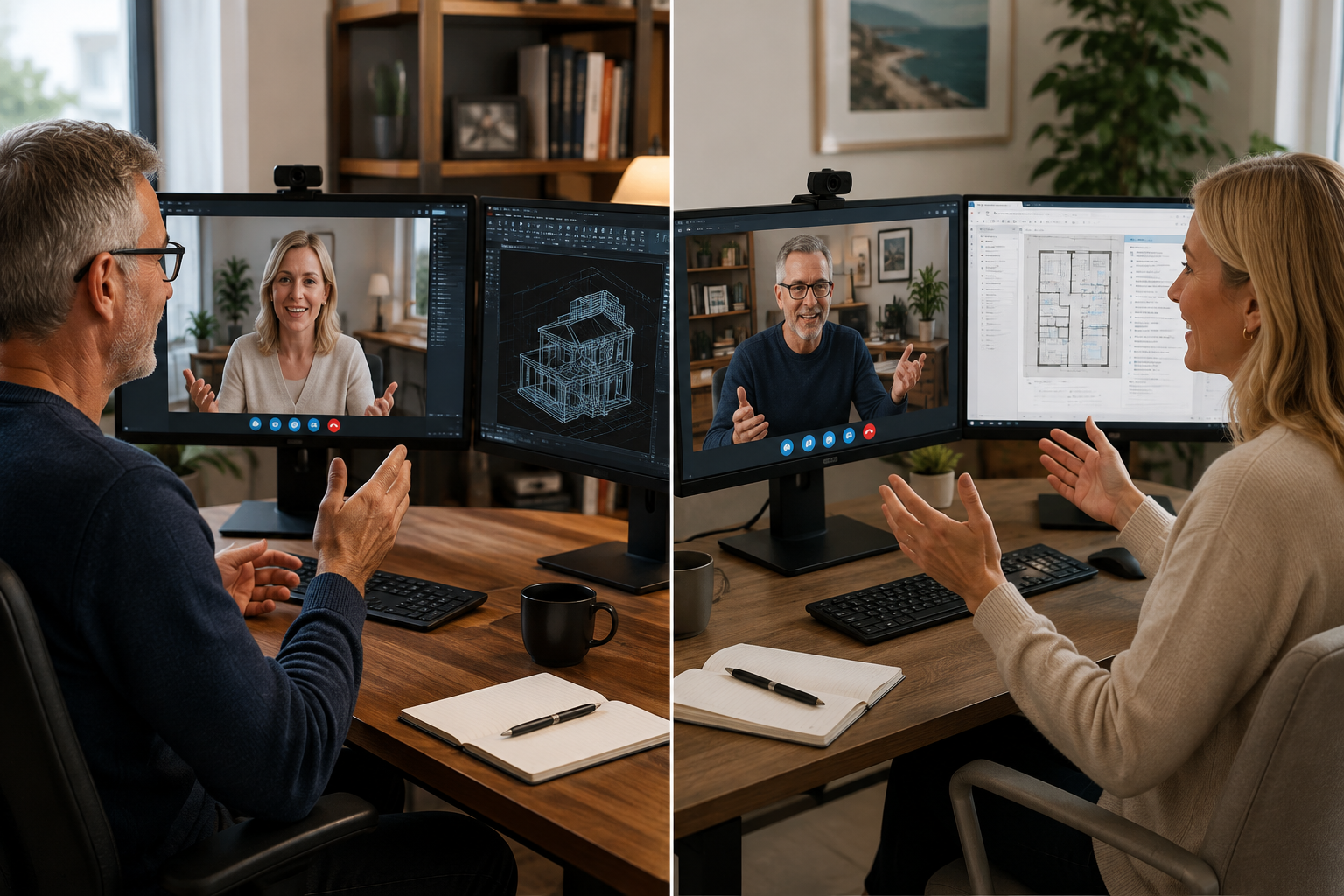
Our Virtual Training Classroom provides a live, interactive learning environment where students work directly with an experienced PROCAD trainer.
Students participate in demonstrations, practical exercises and discussions in real time, with the ability to ask questions, share their screen and receive individual assistance throughout the course.
Participants use their own computer with bi-directional screen sharing using Two Screens and software, while the trainer guides them through the course step by step.
It's not simply watching an online video—it's a live classroom experience, with a real instructor, real-time interaction and hands-on practical training.
Clash Detection and Advanced Coordination..
Module 1: Introduction to Autodesk Navisworks
• 1.1 What Is Navisworks?
• 1.2 Overview of the Interface
• 1.3 Using Basic Viewing Tools
Module 2: Consolidate Trade Models
• 2.1 Consolidating the Model
• 2.2 Aligning Models
Module 3: Review Models
• 3.1 Saving and Retrieving Views
• 3.2 Sectioning the Model
• 3.3 Setting View Options
• 3.4 Setting Up Appearances
Module 4: Analyse Models
• 4.1 Selecting Items
• 4.2 Investigating Properties
• 4.3 Using the Selection Tree
• 4.4 Finding Items and Saving Search Sets
• 4.5 Hiding and Unhiding Items
Module 5: Communication: Review and Mark Up a Model
• 5.1 Using Measuring Tools
• 5.2 Marking Up Scenes for Review
Module 6: Collaboration: Clash Detection
• 6.1 Overview of the Clash Detective
• 6.2 Setting Up Clash Tests
• 6.3 Reviewing Clash Results
• 6.4 Assigning Clash Fixes
• 6.5 Clash Grouping
• 6.6 Sharing Clash Test Results
• 6.7 Incorporating Model Updates
Module 7: Quantification
• 7.1 Quantification Overview
• 7.2 Setting Up a Quantification Project
• 7.3 Item and Resource Management
• 7.4 3D Model and Virtual Takeoffs
• 7.5 2D Takeoffs
• 7.6 Takeoff Data
Module 8: Communication: Animator
• 8.1 Creating Tours
• 8.2 Animating Objects
• 8.3 Animation and Scripts
Module 9: Communication: Scripter
• 9.1 Scripter
• 9.2 Creating and Managing Events
• 9.3 Creating and Configuring Actions
Module 10: Construct: Project Scheduling
• 10.1 Introduction to TimeLiner
• 10.2 Manually Creating a Construction Simulation
• 10.3 Importing an External Task List
• 10.4 Combining TimeLiner and Animator
• 10.5 Time-Based Clashes
Module 11: Communication: Rendering
• 11.1 Autodesk Rendering Overview
• 11.2 Materials
• 11.3 Material Mapping
• 11.4 Lighting
• 11.5 Exposure Control
• 11.6 Photorealistic Rendering
Bonus Appendix Module: Coordination Tools
• A.1 Creating a View in Autodesk Revit
• A.2 Setting a Project Point in Autodesk Revit
• A.3 Autodesk Civil 3D Object Enabler
• A.4 Creating an .FBX File in Autodesk InfraWorks
• A.5 Preparing a Corridor Model for TimeLiner
• A.6 Preparing an Autodesk Revit Model for TimeLiner
We speak your language - You'll find we're all open, approachable and can communicate at all levels. We'll cut through the "tech talk", breaking it down into easily understandable concepts. Whatever the situation, you'll know exactly what we're teaching and why.
PROCAD has an affinity for Training CAD and has done this for 39 years.

